Roll Out New Technology Without Disruption
IT project and deployment services in Rochester handle technology upgrades, office moves, and system expansions with minimal downtime.
When your business needs to replace aging computers, relocate to a new office in Rochester, or expand your network to support additional staff, managing the transition without interrupting daily operations requires careful planning and coordinated execution. Momo Technology Solutions handles new technology rollouts and upgrades by organizing hardware, software, and network setup so your team can continue working while changes happen in the background.
IT projects include computer replacements, office moves, and system expansions tailored to growing or transitioning businesses. This service provides local hands-on support from start to finish, including device configuration, data migration, and testing before employees begin using new equipment. You receive structured planning designed to minimize business disruption and ensure everything works correctly before the old system is retired.
If you have an upcoming technology change or expansion, reach out to plan your IT project with our team.
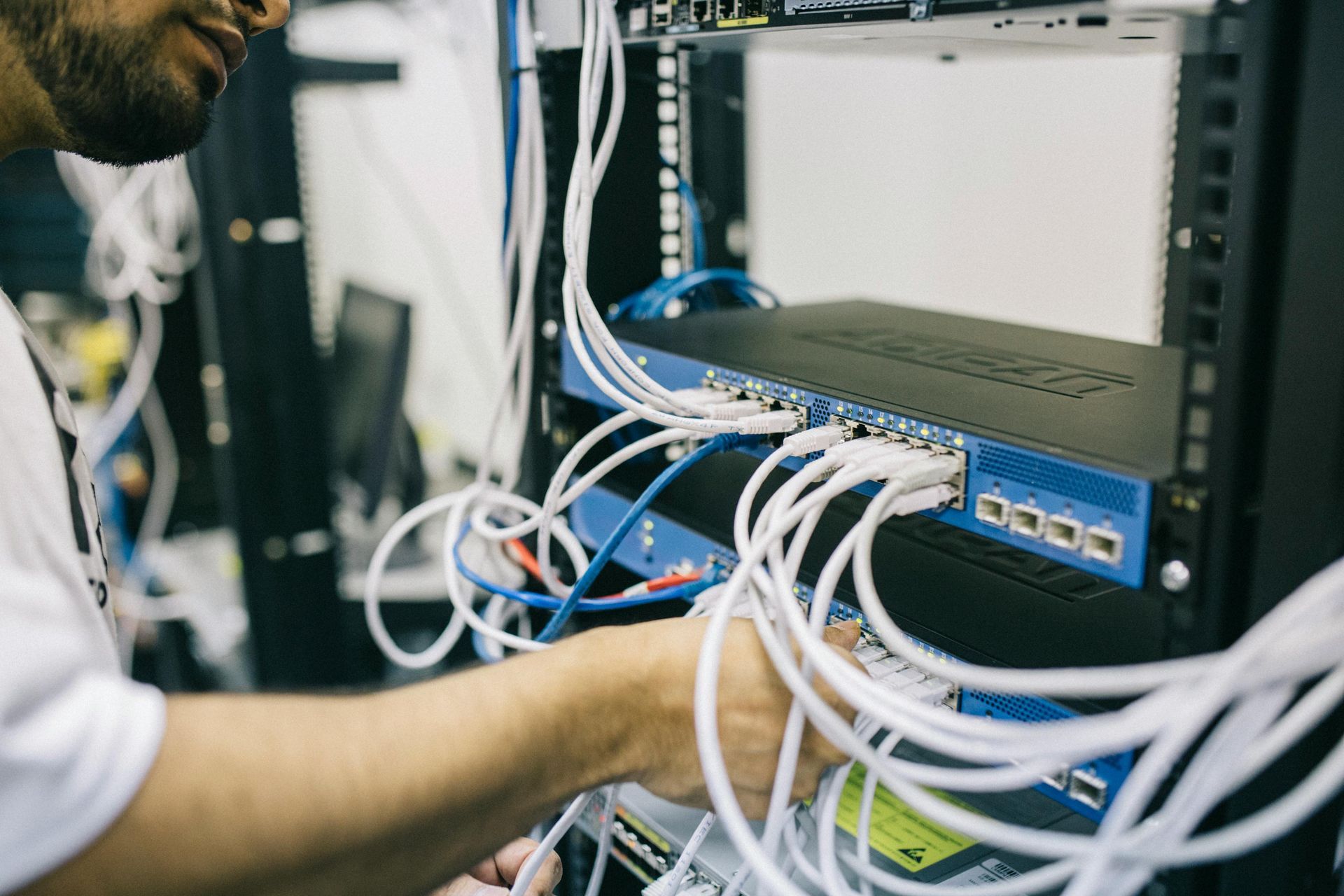
IT deployments in Rochester begin with assessing your current setup, ordering equipment, and creating a timeline that aligns with your business schedule. Our technician installs new hardware, transfers files, configures software, and tests network connections before staff switch over from old devices.
After deployment, you will notice that employees can log in to new computers using the same credentials, access shared files without searching for missing folders, and connect to printers or cloud tools without needing additional setup. The transition feels seamless because preparation happens behind the scenes and testing occurs before anyone relies on the new system.
This service includes coordination across hardware, software, and network components. It does not cover long-term software licensing or vendor negotiations, but it does ensure all pieces work together correctly and employees receive basic training on any new tools introduced during the project.
How Deployments Happen Without Stopping Work
Business owners often want to know how long projects take, what happens to old equipment, and whether staff will lose access to files or tools during the transition.
Questions That Come Up During Planning
Momo Technology Solutions helps businesses in Rochester complete technology projects with clear timelines, hands-on support, and minimal impact on daily operations. If you need to upgrade systems, move offices, or expand your network, learn more about how we can manage your project from planning through final testing.