Get Your Smart Devices Working Together
Momo Technology Solutions sets up and troubleshoots printers, cameras, smart TVs, doorbells, and other connected devices in Rochester.
When you unbox a new smart doorbell or wireless printer and the setup instructions make no sense, or when your smart TV won't connect to the app you just downloaded, the frustration sets in quickly. If you're in Rochester and your devices refuse to talk to each other, or you can't figure out why your security camera keeps going offline, you're not alone. These products are sold as simple plug-and-play solutions, but compatibility issues, network settings, and unclear instructions often turn installation into a hours-long ordeal.
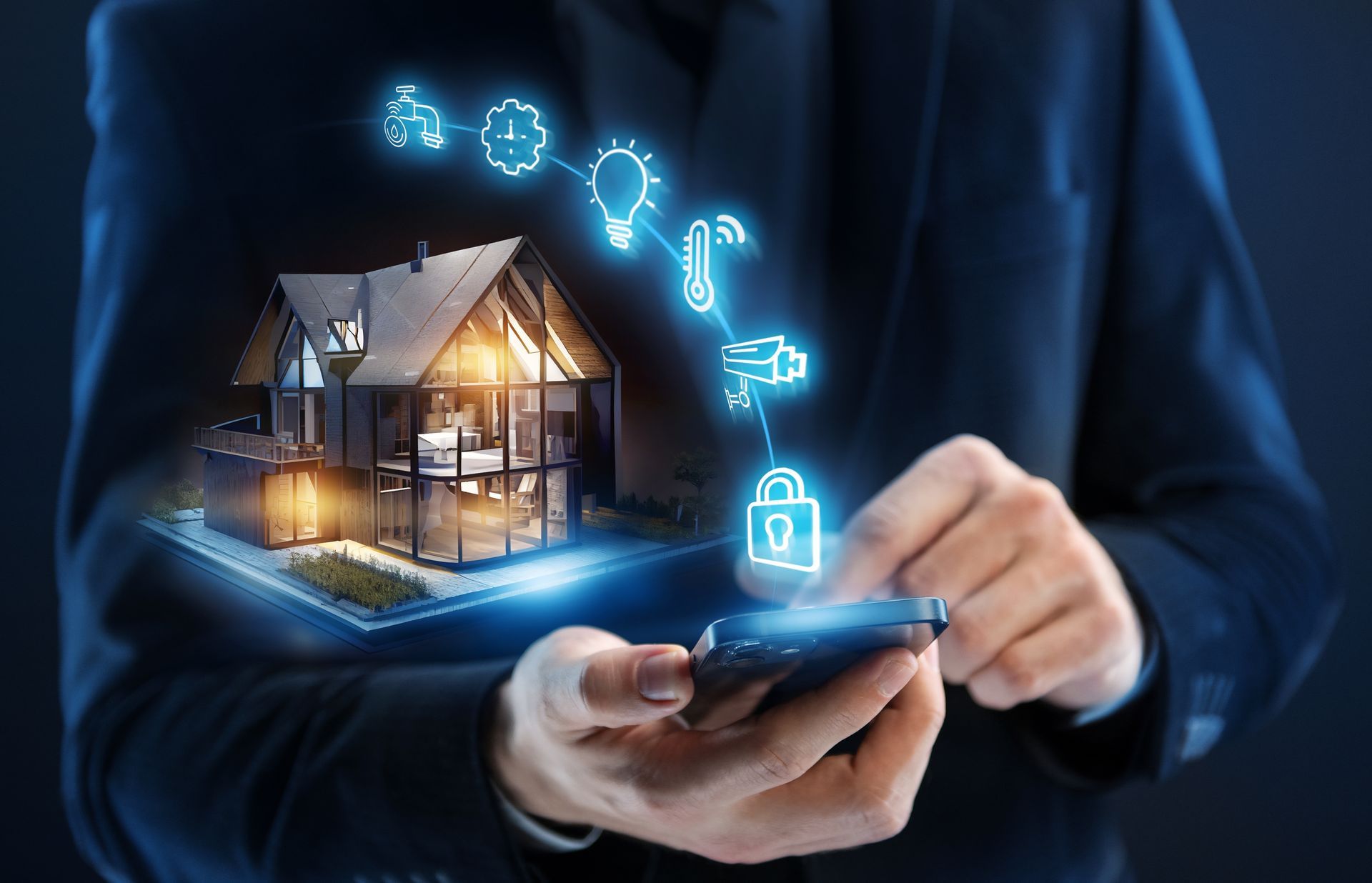
Momo Technology Solutions handles the setup and troubleshooting for everyday home technology including printers, smart TVs, video doorbells, security cameras, and other connected devices. The work ensures each device connects to your network, communicates with its companion app, and functions as intended. You'll receive clear instructions for ongoing use so you can operate and adjust settings without needing to call for help every time. This service is designed for busy households that want their technology to work without becoming a second job.
If you have smart devices sitting unused in Rochester because setup didn't go as planned, contact us to get them working properly.
The process in Rochester begins with connecting each device to your Wi-Fi network and verifying it can communicate with your phone, tablet, or smart home hub. For printers, this includes installing drivers, testing print quality, and ensuring wireless printing works from all your devices. For cameras and doorbells, placement is evaluated to ensure coverage and connectivity, and apps are configured so you receive alerts and can view live feeds without delays.
After setup, your printer responds immediately when you send a document, your smart TV streams without connection errors, and your doorbell sends notifications when someone approaches. Devices work together smoothly, and you no longer waste time troubleshooting error messages or restarting equipment to force a connection. Everything behaves the way the packaging promised it would.
This service does not include installation that requires running cables through walls, mounting equipment on high exteriors, or integrating devices into whole-home automation systems. If your setup involves electrical work or structural modifications, those tasks fall outside the scope of this service. The focus is on configuring devices that connect wirelessly and operate independently or through standard apps.
What Happens During Device Setup
People bringing in new devices or struggling with existing ones often have practical questions about compatibility, connectivity, and what to expect during setup.
Typical Setup Questions Homeowners Ask
If your smart devices in Rochester aren't connecting properly or you're stuck on a setup screen that won't move forward, Momo Technology Solutions can get your technology working and show you how to use it. Learn more about what's involved by reaching out today.